
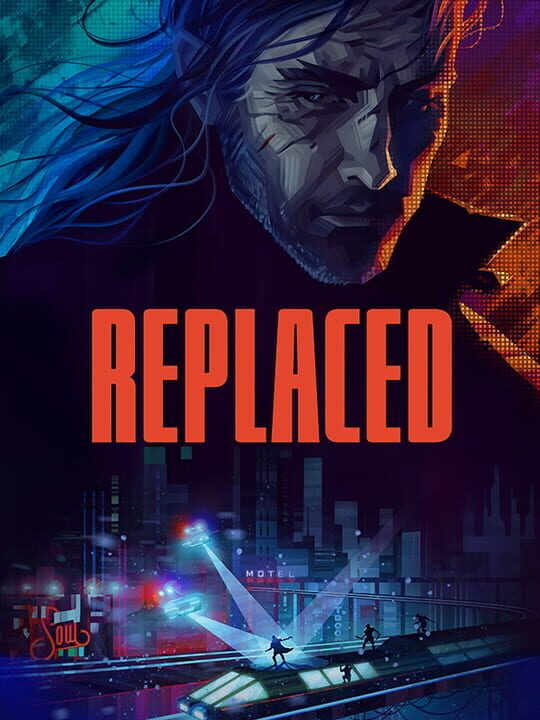
For many players, the cinematic black bars were a polarizing stylistic choice. While they certainly added to the 2.5D retro-futuristic vibe, they felt restrictive on smaller screens. This update adds a toggle in the graphics menu to reclaim that screen real estate—a massive win for Steam Deck users who felt the 16:10 aspect ratio was being underutilized.
Level Select and Collectible Tracking
The most substantial addition is the new Level Select menu. Previously, if you missed a stray collectible or wanted to soak in the pixel art of a specific scene again, you were mostly out of luck. Now, you can revisit completed chapters scene-by-scene. This isn't just for completionists, though; the developers have integrated collectible tracking directly into this menu, making the hunt for secrets far less of a guessing game.
This feature also serves as a vital safety net for technical issues. If you encountered a save file glitch that blocked your progress, you can now use the level select to jump back into a specific section and unstick your playthrough without losing hours of progress.
Can you skip dialogue now?
Yes, dialogue skipping is now enabled by default. While the team is still smoothing out some of the jarring visual transitions that can occur when jumping through conversations, it is a significant improvement for anyone on a second playthrough. These changes show a developer that is actively listening to how players want to experience their world, balancing cinematic vision with actual playability.
 Soren
Soren